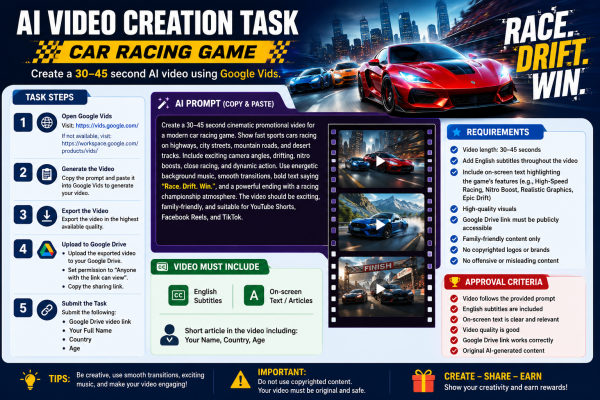
Create a 30–45 Second AI Video for a Car Racing Game
Objective
Create a short, engaging promotional video using Google Vids.
Step 1: Open Google Vids
Visit: https://vids.google.com/
If Google Vids is not available for your account, visit:
https://workspace.google.com/products/vids/
Step 2: Generate the Video
Copy and paste the prompt below into Google Vids.
AI Prompt:
Create a 30–45 second cinematic promotional video for a modern car racing game. Show fast sports cars racing on highways, city streets, mountain roads, and desert tracks. Include exciting camera angles, drifting, nitro boosts, close racing, and dynamic action. Use energetic background music, smooth transitions, bold text saying "Race. Drift. Win.", and a powerful ending with a racing championship atmosphere. The video should be exciting, family-friendly, and suitable for YouTube Shorts, Facebook Reels, and TikTok.
Step 3: Export
Export the video in the highest available quality.
Step 4: Upload to Google Drive
Upload the exported video to your Google Drive.
Set the file permission to Anyone with the link can view.
Copy the Google Drive sharing link.
Step 5: Submit
Submit:
Google Drive video link
Your Full Name
Country
Age
Requirements
Video length: 30–45 seconds
Add English subtitles throughout the video.
Include short on-screen text highlighting the game's features (for example: "High-Speed Racing", "Nitro Boost", "Realistic Graphics", "Epic Drift").
We may use cookies or any other tracking technologies when you visit our website, including any other media form, mobile website, or mobile application related or connected to help customize the Site and improve your experience. learn more